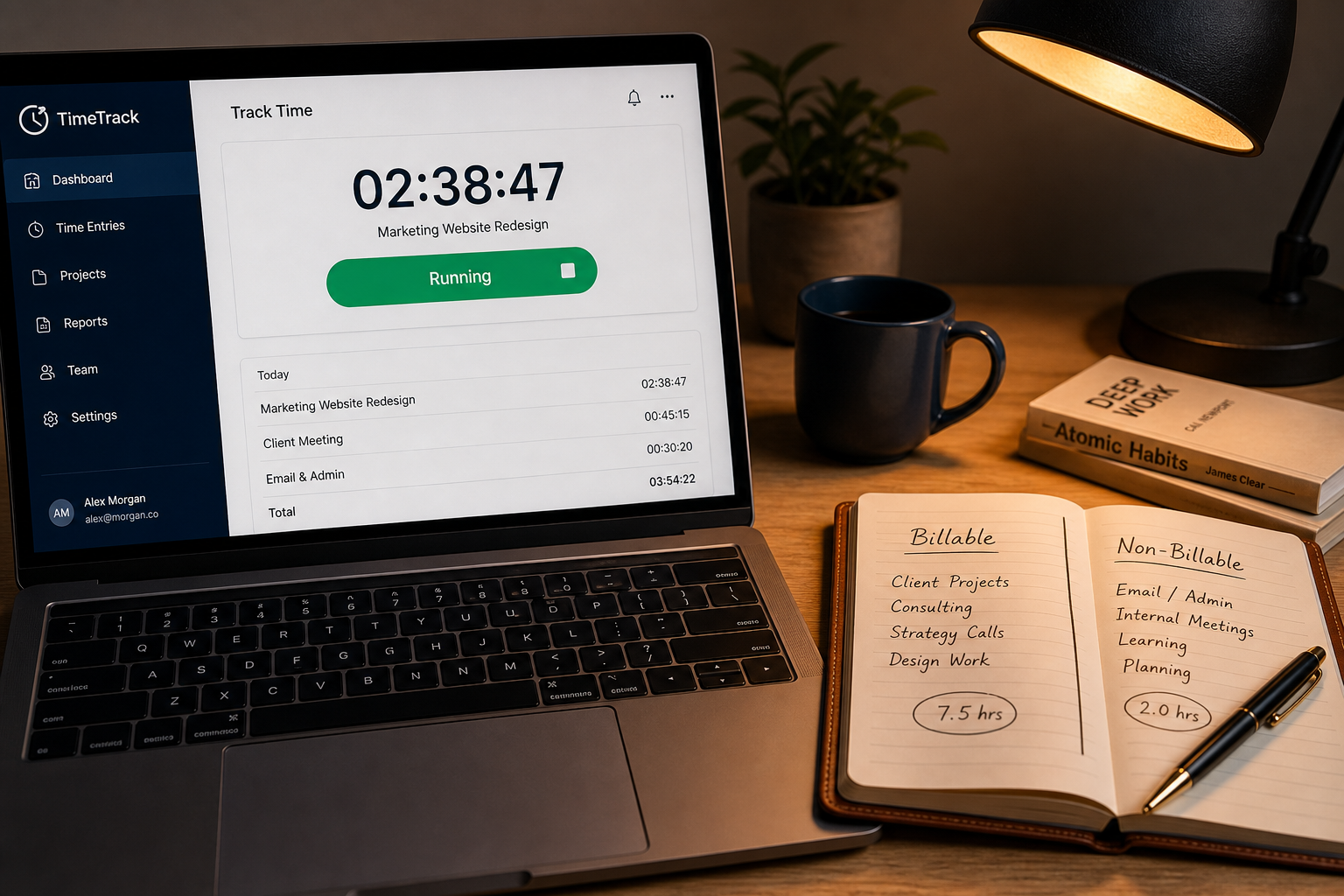
The invoice is due Friday. You’ve spent 14 hours on the project, but your time logs show 11. You’re staring at the blank field where you’re supposed to type your hours, and the math isn’t adding up. Do you round up to 14 and hope the client doesn’t notice? Or do you bill 11 and eat the cost of the research phase? Panic sets in when you realize you never actually used the time-tracking app because starting the timer felt like more work than the task itself.
This is how most freelance projects quietly lose their margin. You pick up a time tracking tool because you know you should. You install it. You use it for three days. Then you stop, because the friction of logging every micro-task outweighs the benefit of the data. By the time the invoice is due, you’re guessing again.
The solution isn’t discipline. It’s software that doesn’t feel like work. When you strip away the enterprise-grade reporting suites and the mandatory project codes, three tools actually survive contact with a real freelance week: Toggl Track, Clockify, and Harvest. Each one solves the time-tracking problem differently, and picking the wrong one will cost you more in setup friction than the subscription price.
The Search for the best time tracking software Always Starts With Friction
Time tracking software fails for two reasons. The first is obvious: you forget to start the timer. The second is hidden: the tool demands more cognitive load than the task you’re tracking. If logging your time requires clicking four menus, naming a sub-project, and assigning a client code, you will stop using it the moment you hit a deadline.
The best time tracking software for freelancers and small teams shares one trait: it gets out of the way. It captures the data automatically, or with a single click, and surfaces the numbers only when you need to bill or evaluate profitability. Everything else is noise.
Toggl Track Cuts Setup Time to Zero
Toggl Track was built on a single, radical premise: starting a timer should take less than two seconds. The interface is a single, oversized button. You click it, the timer runs, you click it again. That’s it. There are no mandatory project fields, no required tags, and no onboarding tutorials that force you to build a fake project structure before you can track your first hour.
This speed is its greatest strength. For solo freelancers, designers, and developers who jump between tasks every 15 minutes, Toggl’s one-click start/stop mechanism eliminates the friction that kills most tracking habits. The desktop and mobile apps sync instantly, and the web interface lets you backfill hours at the end of the day without fighting the UI. You can drag-and-drop time entries, rename them on the fly, and see your daily total in the top right corner without opening a single report.
The free plan is generous enough for a solo operator. It includes unlimited users, basic reporting, and a browser extension that tracks time spent on websites and apps automatically. If you need project tags, integrations with project management tools, or billable rates, you’ll eventually hit the $10 per user per month limit on the Plus plan. But for the first six months of your freelance career, the free tier is more than enough to build the habit.
Toggl’s official documentation walks you through the browser extension and desktop app setup, which is where most people get stuck trying to configure automated tracking.
Clockify Forces Structure on Unlimited Projects
Clockify’s entire value proposition is brutal simplicity: unlimited time tracking, unlimited projects, unlimited users, for free. There is no “premium” tier that locks basic features behind a paywall. If you’ve ever tried to use Toggl’s free plan and hit a wall at the number of projects, Clockify is the antidote.
The interface is less polished than Toggl’s. It looks like a spreadsheet that learned to count. But that roughness is deliberate. Clockify forces you to assign every time entry to a project and a client from the start, which means your data is structured for billing the moment you finish tracking. If you run a small agency or a consultancy that bills by the project, Clockify’s structure saves you from manually organizing your hours at the end of the week.
The free plan includes time tracking, project management, basic reporting, and a browser extension. The paid plans ($4.99 and $9.99 per user) unlock timesheets, approvals, and attendance tracking. For teams of five or more, Clockify’s pricing undercuts every competitor while giving you the same core functionality. You’re not paying for the tracker. You’re paying for the management layer.
The trade-off is cognitive load. Clockify demands that you think about projects and clients before you start tracking. If you’re a freelancer who works on 15 different tasks in a single day, you’ll spend more time clicking dropdown menus than working. It’s a tool for structured billing, not for capturing the messy reality of creative work.
Harvest Tracks Money, Not Just Hours
Harvest doesn’t just track time. It tracks money. Built for agencies and consulting firms, Harvest’s entire interface is designed around one question: “Is this project profitable?” You set a budget, set an hourly rate, and watch the tool calculate your projected vs. actual earnings in real time. If you go over budget, Harvest highlights it in red before the invoice is even sent.
This is the only tool on this list that treats time tracking as a financial control system rather than a productivity habit. The interface is clean, professional, and slightly more rigid. You cannot start tracking without a project and a task code. You cannot send an invoice without matching time entries to line items. This rigidity is the point. It prevents you from billing a client for work you didn’t track, and it prevents you from underpricing a project because you misjudged the scope.
Harvest’s pricing is $12 per user per month for the Essentials plan, or $19 for Premium. It’s the most expensive option on this list, but it includes invoicing, expense tracking, and client portals. If you’re already using an invoicing tool, this is redundant. If you’re trying to replace both your time tracker and your invoicing software, Harvest consolidates them into a single workflow. The client portal alone justifies the cost for agencies that send 50+ invoices a month.
Harvest’s help center covers the project budgeting and client portal features that make it distinct from pure time trackers.
The Honest Limits: When Each Tool Stops Working
No time tracking tool solves the human problem of procrastination. If you’re avoiding a task, you will find a reason not to log it, regardless of how fast the timer is. Toggl’s speed doesn’t help you start work. Clockify’s structure doesn’t help you focus. Harvest’s budgets don’t help you scope accurately.
Each tool has a breaking point. Toggl’s free plan stops being useful when you need to bill multiple clients with different hourly rates and need automated invoicing. Clockify stops being useful when you need advanced analytics, custom fields, or API access to push data into a BI tool. Harvest stops being useful when you’re a solo freelancer billing fewer than 20 clients a year, because you’ll pay $144 annually for features you’ll never touch.
These limits aren’t flaws. They’re boundaries. A tool that tries to do everything for everyone ends up doing nothing well. Your job is to match the tool to your billing model, not your wish list.
The Billable Split-Test
Every time tracking tool on this list will tell you how many hours you worked. None of them will tell you how many hours you should stop working. That’s the missing metric.
Here’s the test: at the end of every week, split your logged hours into two columns. Billable hours (client-facing, billable by the hour, or billable against a project budget). Non-billable hours (email, admin, learning, internal meetings, tool setup, research that doesn’t ship). Calculate the ratio. Billable divided by non-billable.
If your ratio is below 2:1, you’re subsidizing your business with your free time. If it’s above 4:1, you’re likely undercharging or under-scoping projects. The number tells you whether to raise prices, fire a client, or stop taking on internal work that doesn’t bill. Toggl, Clockify, and Harvest all let you tag hours as billable or non-billable. Use the tag. Run the ratio. Adjust your business, not your timer.
Once you’ve logged your hours, you’ll need to turn them into a document. Our comparison of the best freelance invoicing software shows how to move from tracked hours to paid invoices without manual data entry.
Conclusion
You don’t need more discipline. You need less friction. If you’re a solo freelancer who jumps between tasks, start with Toggl Track’s free plan. If you run a small team that bills by the project and needs unlimited data, use Clockify. If you’re an agency that needs to protect margins and send invoices without leaving the app, pay for Harvest. The tool that wins is the one you actually use, not the one with the most features.