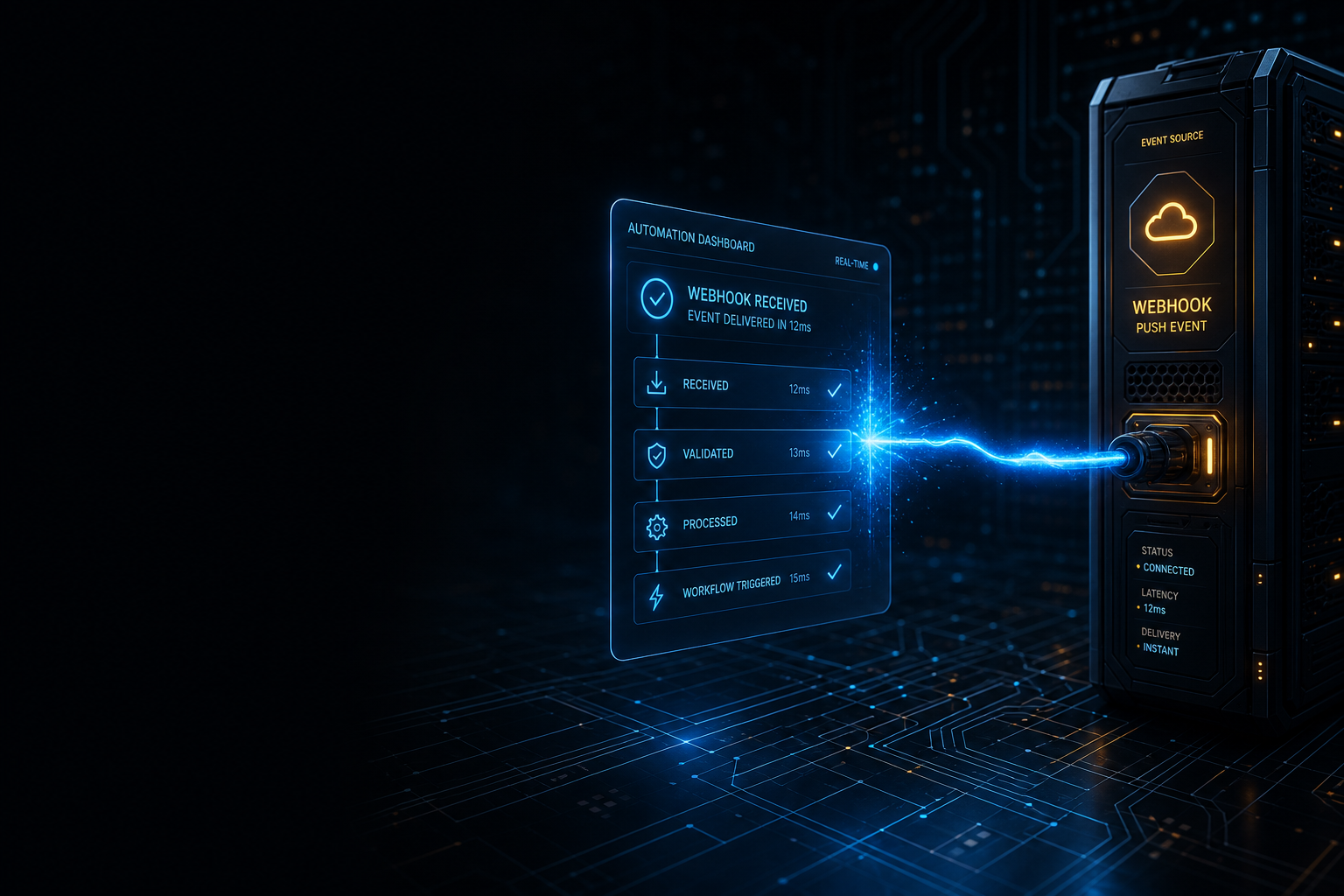
Webhook-first automation cuts API calls by more than 90% compared to polling-based workflows, yet most small teams building their first automations never hear the term until they get an invoice that stings. The difference between the two approaches sounds technical, but it changes everything about how reliable, fast, and cheap your automations are. If you’ve ever had a Zapier zap that “checked every 15 minutes” for new data, you were polling. And every one of those checks was a wasted call, whether new data existed or not.
This article explains what webhooks actually are, how they compare to polling in practical workflow terms, and how to restructure common automations around webhooks so you get faster triggers, lower costs, and fewer phantom failures. No code required for most of it.
Polling Is the Default, and the Default Is Expensive
When you build an automation in Zapier or Make (formerly Integromat) that starts with a trigger like “New row in Google Sheets” or “New email in Gmail,” the platform is almost certainly using polling behind the scenes. It pings the source application’s API on a schedule, asks “anything new since last time?”, gets back either data or nothing, and repeats. On Zapier’s free plan, that interval is 15 minutes. On paid plans, it drops to 1–5 minutes.
Here’s what that costs you in practice. Say you have a workflow watching a form for new submissions. Your form gets 50 submissions a day. But your automation checks every 5 minutes: that’s 288 checks per day. You burn 288 API calls to catch 50 events. Across a month, that’s roughly 8,600 calls to process 1,500 actual submissions. The overhead ratio is nearly 6:1.
Multiply that across five or six polling-based workflows and the numbers get uncomfortable fast, especially on platforms that meter task or operation counts against your plan tier. Make’s pricing is denominated in “operations” per month, and every polling check that returns no data still consumes one. The Zapier documentation on webhooks describes this gap plainly: polling is pull-based, webhooks are push-based, and push is always more efficient when the source supports it.
What a Webhook Actually Is
A webhook is just an HTTP POST request that a source application sends to a URL you specify, the moment something happens. No schedule. No repeated checking. The source pushes the event to you instead of waiting for you to come ask.
When someone fills out your Typeform, Typeform fires a POST request to a webhook URL with the submission data inside it. Your automation tool catches that POST, processes it immediately, and the workflow runs. The whole cycle takes under a second. With polling, you’d wait up to 15 minutes for that same submission to trigger anything, and you’d have burned a stack of empty API calls in the meantime.
From a practical standpoint, webhooks require two things: a source application that can send them (most modern SaaS products can), and a receiving URL your automation tool provides. Zapier’s “Webhooks by Zapier” trigger gives you that URL. Make has its own equivalent under Custom Webhooks. Once you paste your webhook URL into the source app’s settings, you’re done configuring the trigger side.
Webhook-First Automation in Three Common Workflows
Switching to webhook-first automation doesn’t mean rebuilding everything. It means checking whether the source application supports webhooks before defaulting to a polling trigger. Here are three high-frequency workflow types where the switch makes a meaningful difference.
Form Submissions
Typeform, Tally, Jotform, and most modern form tools have native webhook support in their settings under “Integrations” or “Notifications.” Instead of connecting Typeform to Zapier through the native Typeform trigger (which polls), create a Webhooks by Zapier trigger, copy the webhook URL Zapier generates, and paste it into Typeform’s webhook settings. Now every submission fires immediately, in real time. No polling interval. No missed submissions while Zapier was mid-cycle.
Payment and Checkout Events
Stripe is one of the best-designed webhook sources in the SaaS ecosystem. Its webhook documentation covers dozens of event types: payment succeeded, subscription created, invoice failed, customer updated. Instead of building a polling workflow that checks for new Stripe charges, subscribe to specific Stripe events and route them to a webhook URL in your automation tool. You get the exact event type you need, at the exact moment it happens, with the exact payload shape Stripe defines.
This matters especially for failure-critical workflows. If a payment fails and you need to trigger a dunning email sequence, you do not want a 15-minute lag between the failure event and your first outreach. A webhook fires that trigger in seconds.
CRM Status Changes
HubSpot, Pipedrive, and Close all support outbound webhooks triggered by deal stage changes, contact property updates, or ticket status shifts. If your workflow fires whenever a deal moves to “Closed Won,” a polling trigger checks every few minutes to see if any deals changed. A webhook trigger fires the instant a sales rep updates the stage. For workflows that kick off onboarding emails or Slack notifications, that latency difference is real and noticeable to the people on the receiving end.
If you’re already running a structured onboarding email sequence, pairing it with a CRM webhook trigger rather than a polling trigger means new customers hit the first email within seconds of the deal closing, not the next time your automation woke up to check.
When Polling Is Still the Right Call
Webhooks are better for most things, but they’re not always available or appropriate. Here’s where polling remains your only real option.
Some legacy tools simply don’t send webhooks. If you’re pulling data from an older internal system, a spreadsheet that gets updated manually, or a platform that predates modern webhook architecture, polling is your only move. Google Sheets, for example, doesn’t natively fire webhooks when a row is added. You’re stuck either polling or using a workaround like Apps Script to fire a synthetic webhook yourself (which works, but adds maintenance overhead).
Polling also makes sense when you genuinely need to check a state rather than react to an event. If you want to verify whether a record exists in a system at a specific point in a workflow, you’re querying for current state, not listening for a change. That’s a deliberate pull operation, not a missed webhook opportunity.
The practical rule: choose webhooks when the source application can send them and your automation is reacting to a discrete event (submission, payment, status change). Choose polling when the source can’t send webhooks or when you’re checking state rather than listening for events.
Debugging Webhooks Without Losing Your Mind
The one genuine pain point with webhooks compared to polling is debugging. When a polling trigger fires and fails, your automation platform logs what came back. When a webhook fires and something goes wrong, you often need to inspect the raw payload to figure out what the source actually sent versus what your automation expected.
Three tools make this manageable. First, use Webhook.site or RequestBin to intercept and inspect payloads before you wire them into your automation. Paste the Webhook.site URL into the source app, trigger a test event, and you’ll see the exact JSON structure the source sends. Now you know what field names to reference in your automation steps, before you build them.
Second, Zapier’s “Catch Hook” trigger stores the last few payloads in its test panel. Make’s Custom Webhook trigger does the same. Run a test event from your source app while the trigger is listening, then use that captured payload as your test data when configuring downstream steps. This avoids the irritating loop of manually re-triggering events to test each step.
Third, keep your webhook URLs private. A webhook URL is functionally an unauthenticated endpoint: anyone who has it can POST data to it and potentially trigger your automation. Most serious use cases benefit from adding a shared secret (a verification token the source includes in its request headers) and validating it in a filter step before your automation proceeds. Stripe, for example, signs every webhook payload with a secret you set in your Stripe dashboard; checking that signature in your automation prevents spoofed events from running your workflow.
The Compound Benefit Most Teams Miss
Here’s the argument for webhook-first automation that goes beyond API call savings. Polling-based workflows have a built-in latency that trains your team to expect slow automation. Sales reps learn that Slack notifications from the CRM arrive “eventually.” New signups get onboarding emails with a delay long enough to feel disconnected from the action that triggered them. Over time, people stop trusting the automations, start doing manual workarounds, and the workflow degrades into noise nobody maintains.
Webhook-first automation is immediate. That immediacy makes the automation feel reliable, which makes people actually use the outputs. A Slack message that arrives 8 seconds after a deal closes gets read. The same message arriving 12 minutes later gets buried under other activity. The operational improvement is real, but the behavioral improvement, getting your team to actually trust and act on automation outputs, is the one that compounds.
If you’re still weighing which automation platform to route these webhooks through, the underlying logic differences between the two main tools matter for complex workflows. The piece comparing Zapier vs. Make’s automation logic is worth reading before you commit a webhook-heavy workflow to one platform or the other.
Start with the highest-frequency polling trigger you have running right now. Check whether the source application supports outbound webhooks. If it does, swap the trigger, copy the URL, and let the source push to you instead. The first time you watch an automation fire in two seconds flat instead of waiting for the next polling cycle, the upgrade pays for itself.